
Using Pre-built Agent Templates
Customize pre-built agent templates for brand safety reviews, briefing checks, and campaign strategy with your guidelines and workflows
With pre-built agent templates for typical tasks, you can get started quickly without building an agent from scratch. Just pick a template that fits your needs and customize it for your workflow.

Key Benefits and Use Cases
- Pre-built agents help you handle recurring tasks in a structured way and faster.
- Each agent is specialized for a specific use case, from briefing reviews and campaign strategy to meeting follow-ups and project and time analysis.
- You can use the templates as-is or customize them with your own guidelines, templates, personas, rules, and other foundations to match your workflow.
The 8 Pre-built Agents
All agents use your workspace's current Balanced model: gpt-5.6-terra.
Brand Safety Checker
Reviews ideas, content, channels, and partners for brand, reputation, claim, culture, and partner risks. The agent separates facts, sources, assumptions, and open questions, then prioritizes actions.
Best for: Brand safety reviews before release.
Customizable with: Brand guidelines, target audiences, markets, exclusions, claim evidence, and approval workflows.
Reasoning: High
The result is not a final brand or legal approval.
Briefing Checker
Reviews client briefings before work starts. It evaluates ten key fields, highlights gaps and contradictions, and prioritizes the most important questions. It can also create a re-briefing if needed.
Best for: Briefings, emails, or notes before kickoff.
Customizable with: Briefing template, client requirements, approval rules, mandatory fields, and examples.
Reasoning: Medium
Strategy, copywriting, and design are not part of the review.
Campaign Strategy Drafter
Develops a clear campaign direction from your offer, goal, and target audience, covering insight and hook through campaign idea and channel prioritization. Missing foundations are clarified or marked as assumptions.
Best for: Early campaign ideas and strategy development.
Customizable with: Brand guidelines, personas, examples, budgets, approval rules, and briefings.
Reasoning: High
Meeting Follow Up Drafter
Turns emails, notes, and transcripts into clear next steps. It separates tasks, information, and decisions, spots gaps and duplicates, and shows a preview before creation.
Best for: Follow-ups after meetings and preparing new tasks.
Customizable with: Project guidelines, responsibilities, quality criteria, suggestion lists, and decision logs. Google Workspace or Microsoft 365 can be integrated directly.
Reasoning: Medium
Persona Reviewer
Reviews concepts from the perspective of relevant personas. It checks relevance, usefulness, clarity, tone, trust, and willingness to act, then provides traffic light ratings, risks, and concrete improvements.
Best for: Concept reviews before the next review stage.
Customizable with: Persona profiles, customer and brand context, research, and quality criteria.
Reasoning: High
The result is a simulated target audience hypothesis, not validation with real people.
Project Health Analyst
Shows whether a project is on track or needs attention. It evaluates deadlines, milestones, tasks, effort/budget, blockers, responsibilities, and activity, then provides risks, data gaps, and next steps.
Best for: Project status and recurring health checks.
Customizable with: Health criteria, budget thresholds, project phases, pause rules, and reporting structure.
Reasoning: High
Project Planner
Turns briefings, ideas, and change requests into a clear project plan. It structures goals, phases, tasks, effort, milestones, dependencies, and approvals, and shows the impact of changes.
Best for: New projects and replanning existing ones.
Customizable with: Templates, estimation rules, phases, working day rules, approvals, and client profiles.
Reasoning: High
Time Tracking Analyst
Reviews time data for gaps, duplicates, and unusual durations, answers questions, and creates client-ready reports. On request, it can create or correct individual entries.
Best for: Time reviews, project reports, and billing preparation.
Customizable with: Time policies, work types, billing rules, note conventions, templates, and client requirements.
Reasoning: Medium
How to Create an Agent from a Template
Pick a template that fits your needs and create your own agent from it. Then you can customize the agent for your workflow and add additional foundations.
If important information is missing, the agents can clarify it with you depending on the use case or mark it temporarily.
-
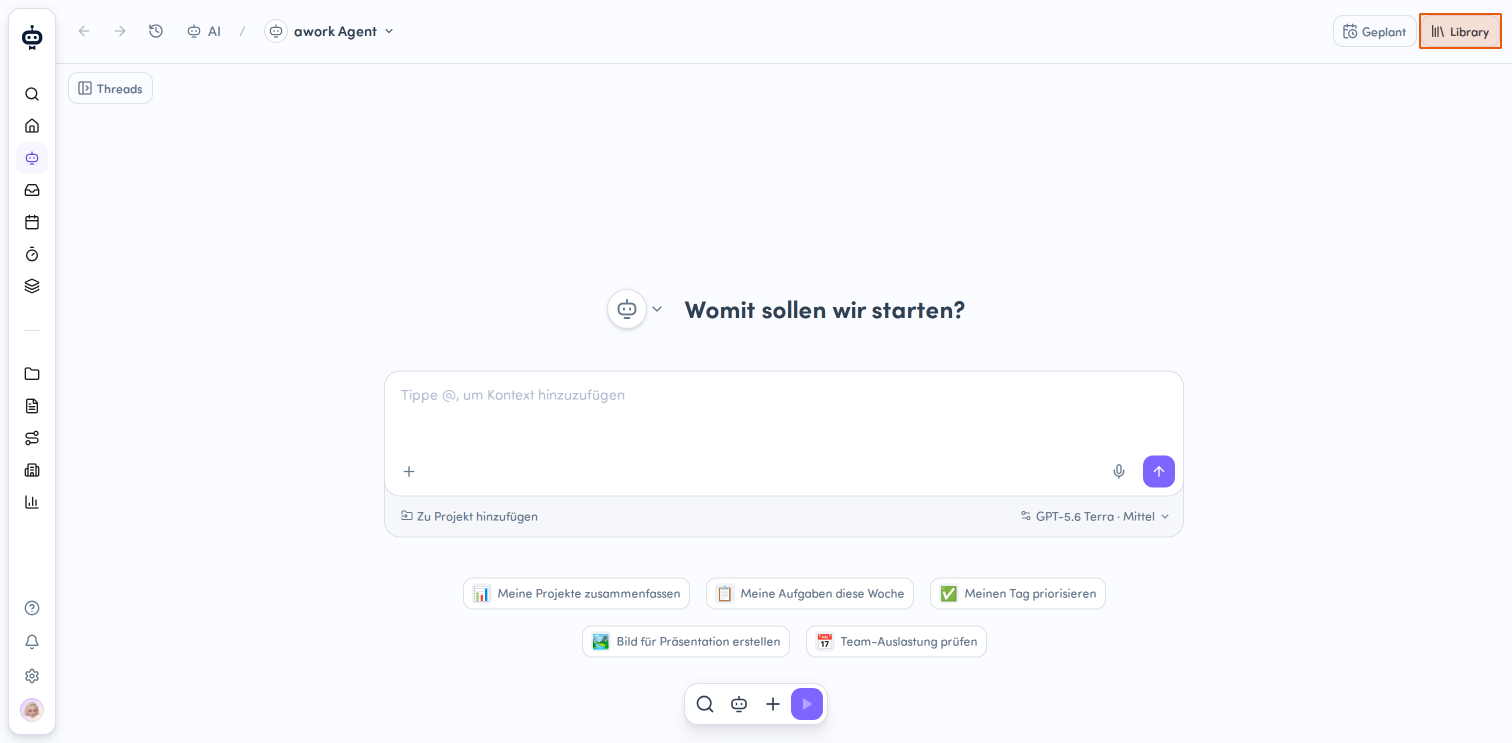
Open the AI menu and click the Library button in the top right
-
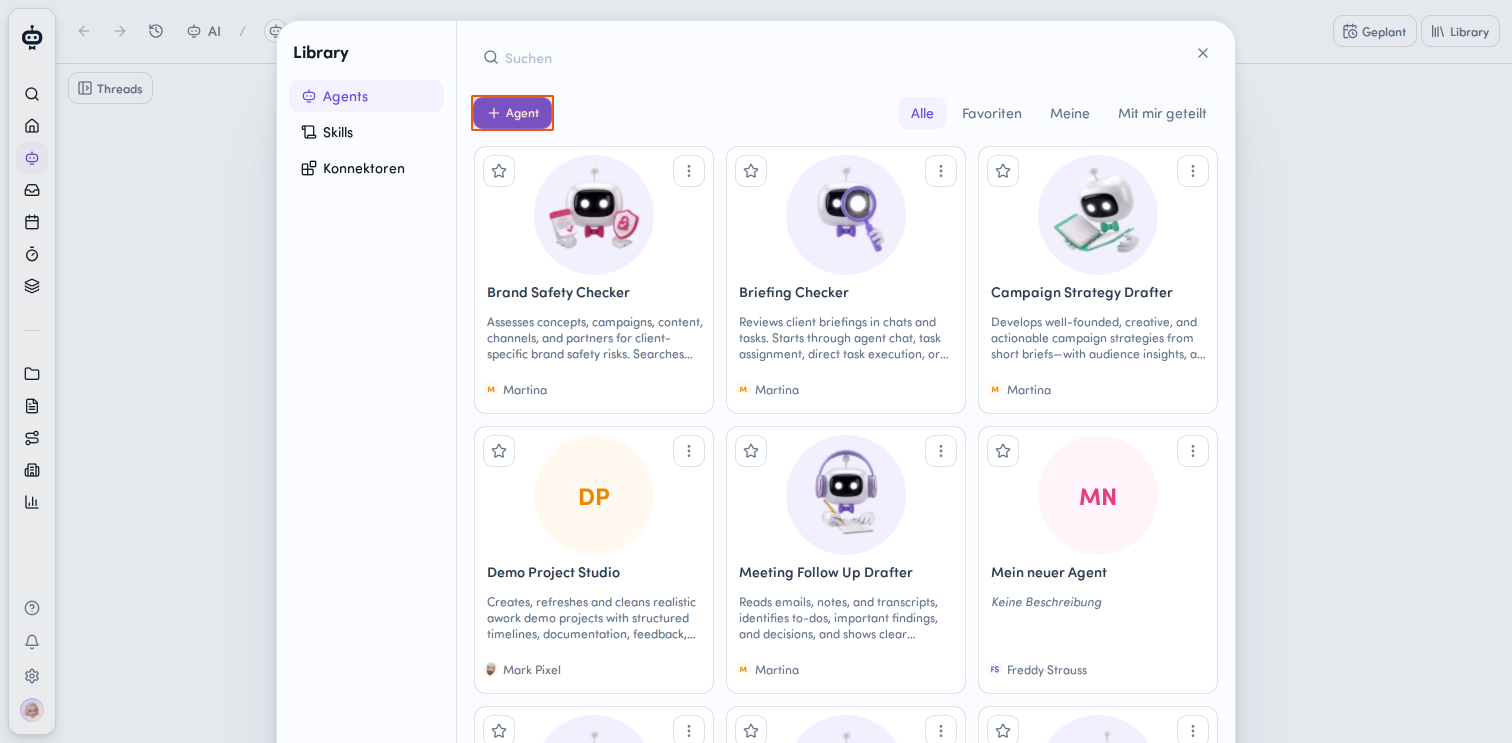
Add a new agent
In the Library, you'll see a category selection on the left side. Choose Agents. Then click the + Agent button. -
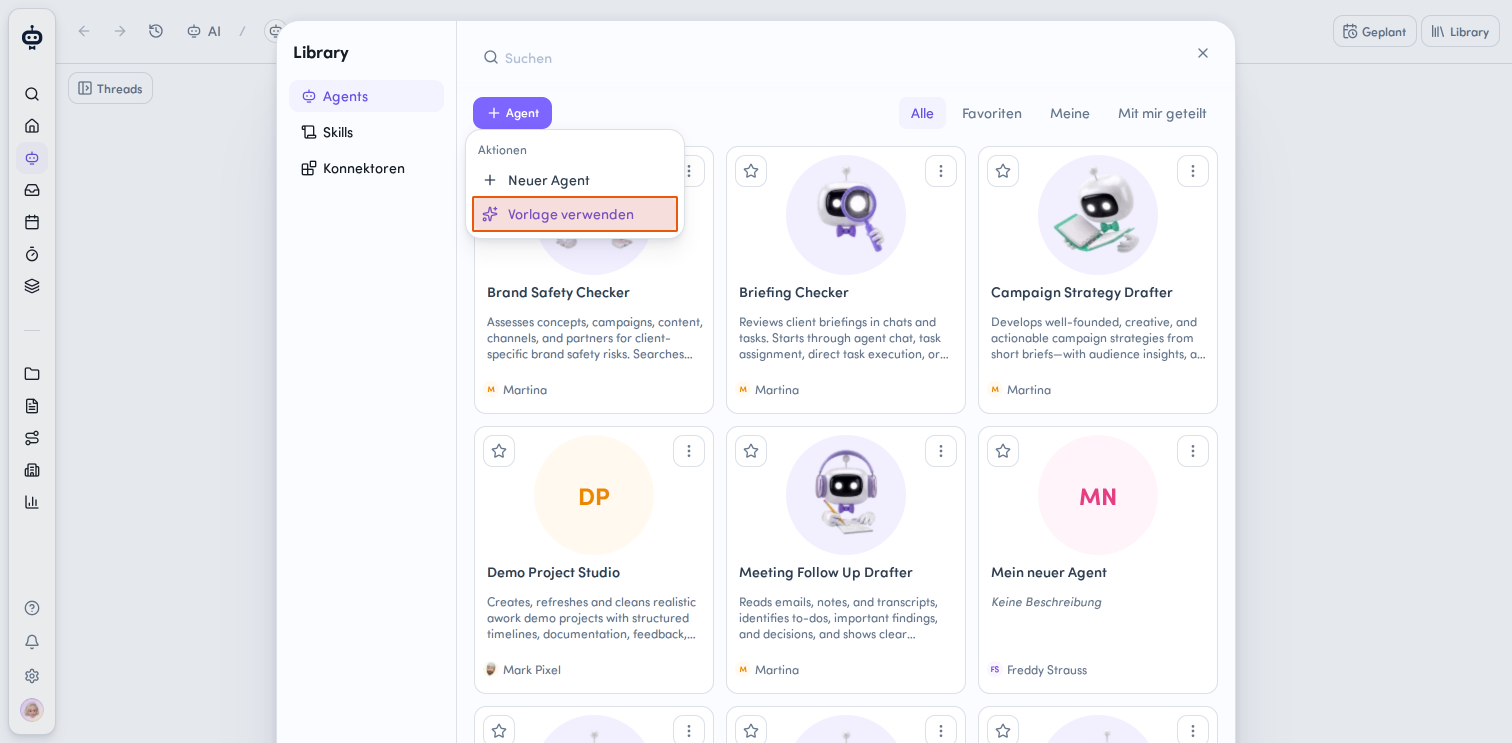
Select a template
A dropdown menu with different actions appears. Choose Use template to access the available agent templates.
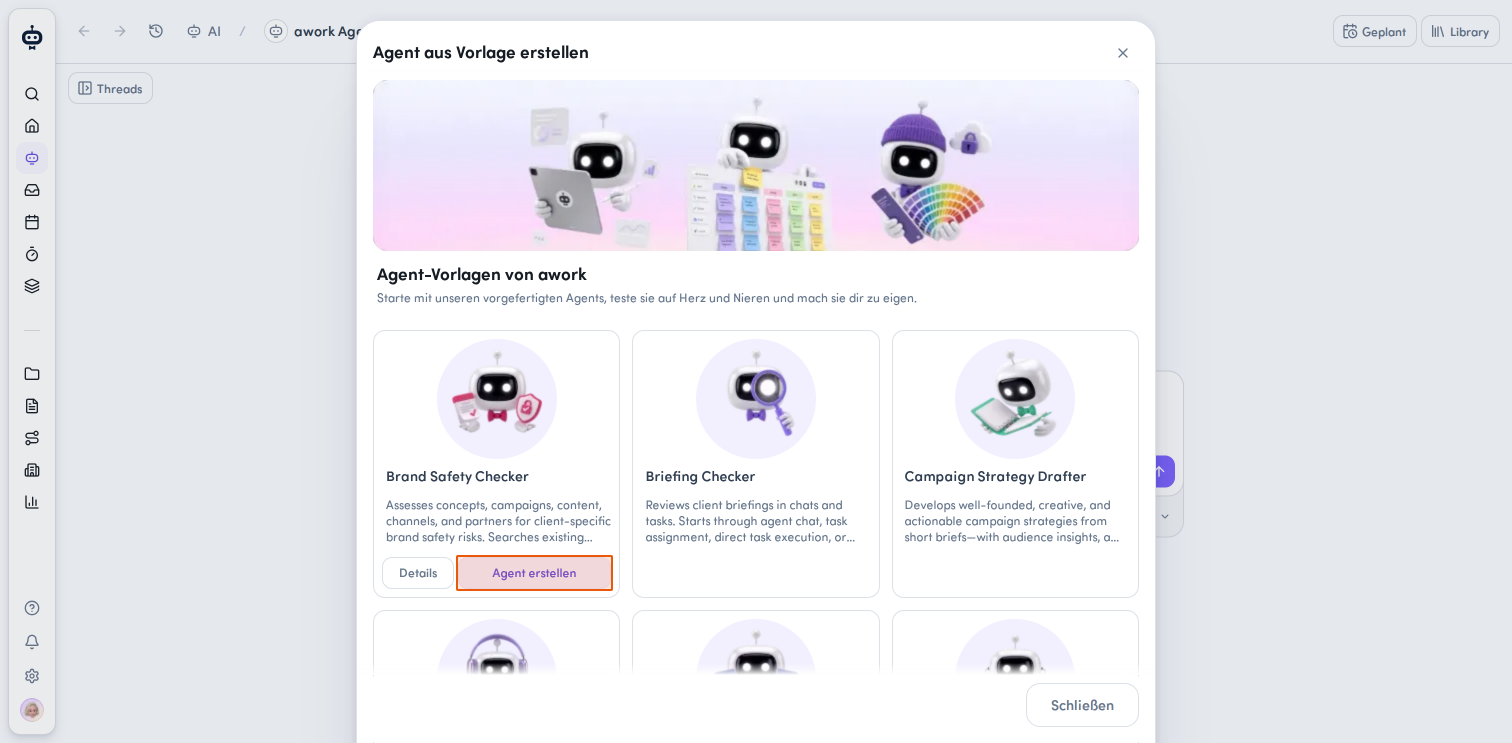
- Create agent from template
A new window titled "Create agent from template" appears. Here you'll find various pre-built agent templates from awork. Each template shows a brief description of its function. Select the template you want and click the Create agent button on its card. If you need more information about a template, click Details first, then click the Copy this agent to my library button at the bottom of the window.
Your new agent is now created based on the selected template and is available in your Library. From there, you can customize it further and configure it for your needs.
Best Practices and Tips
- Use the templates as a starting point and add the information your team works with. The more specific your guidelines, templates, criteria, and project data are, the more targeted the agents can be.
- Each agent shows you concrete examples of how to use it in chat, from projects or tasks, and where applicable, through automations.
- The agents work based on available information and flag missing foundations, assumptions, or uncertainties. Where changes are possible, they happen only after your explicit instruction or approval.
FAQ
Do I have to configure an agent myself?
No. The templates already provide a foundation for the specific use case. You can use them directly and customize them further if needed.
Can I customize a template after selecting it?
Yes. You can enhance the templates with your own guidelines, templates, personas, criteria, budgets, or other relevant foundations, depending on the agent.
 Powered by happysupport.ai