
Set a default agent for AI chats
Set your preferred agent as the default for new AI chats using the Library or agent details, so conversations automatically start with your chosen agent
Set your preferred agent as the default so new chats automatically start with it. Learn how to set, change, or remove your default agent.

Key benefits and use cases
Setting a default agent saves you from having to select your preferred agent every time. New chats automatically start with that agent.
This gives you the following benefits:
-
Save time: You don't have to select your preferred agent every time you start a new chat
-
Work flexibly: Your default agent is used on the AI page, in the popup, and in the sidebar, including for conversations started through shortcuts and in project chats
-
Switch agents as needed: You can select a different agent for an individual chat without changing your default setting
Set an agent as the default
You can set your personal default agent in the Library or directly in the Agent details.
Requirements
To set a default agent, you need:
-
Access to specialized agents and the Library
-
The global AI permission AI & Agents verwenden - ohne Teilen or - in Library teilen
-
The Lesen und verwenden permission for the selected agent
You don't need admin rights or Verwalten permissions for the agent.
Set a default agent from the Library
-
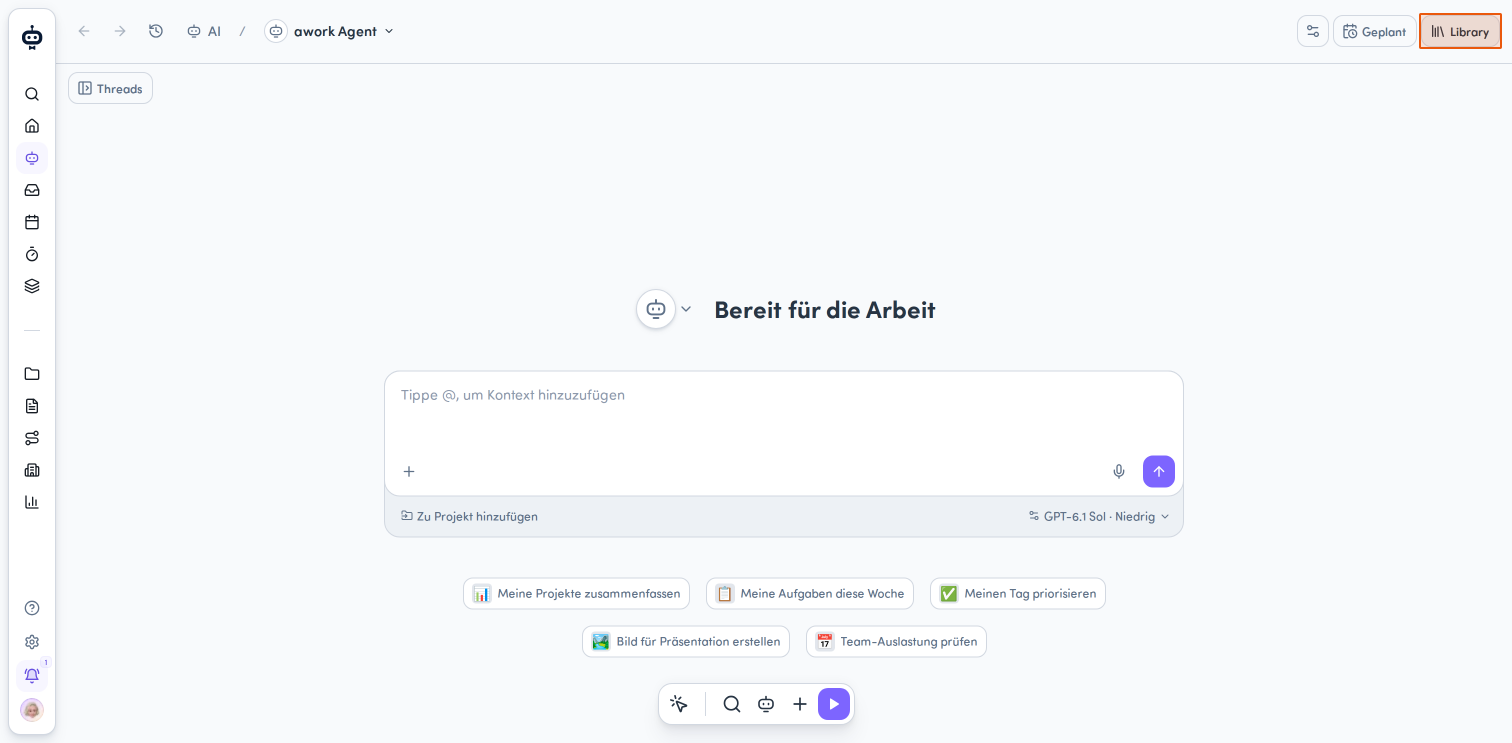
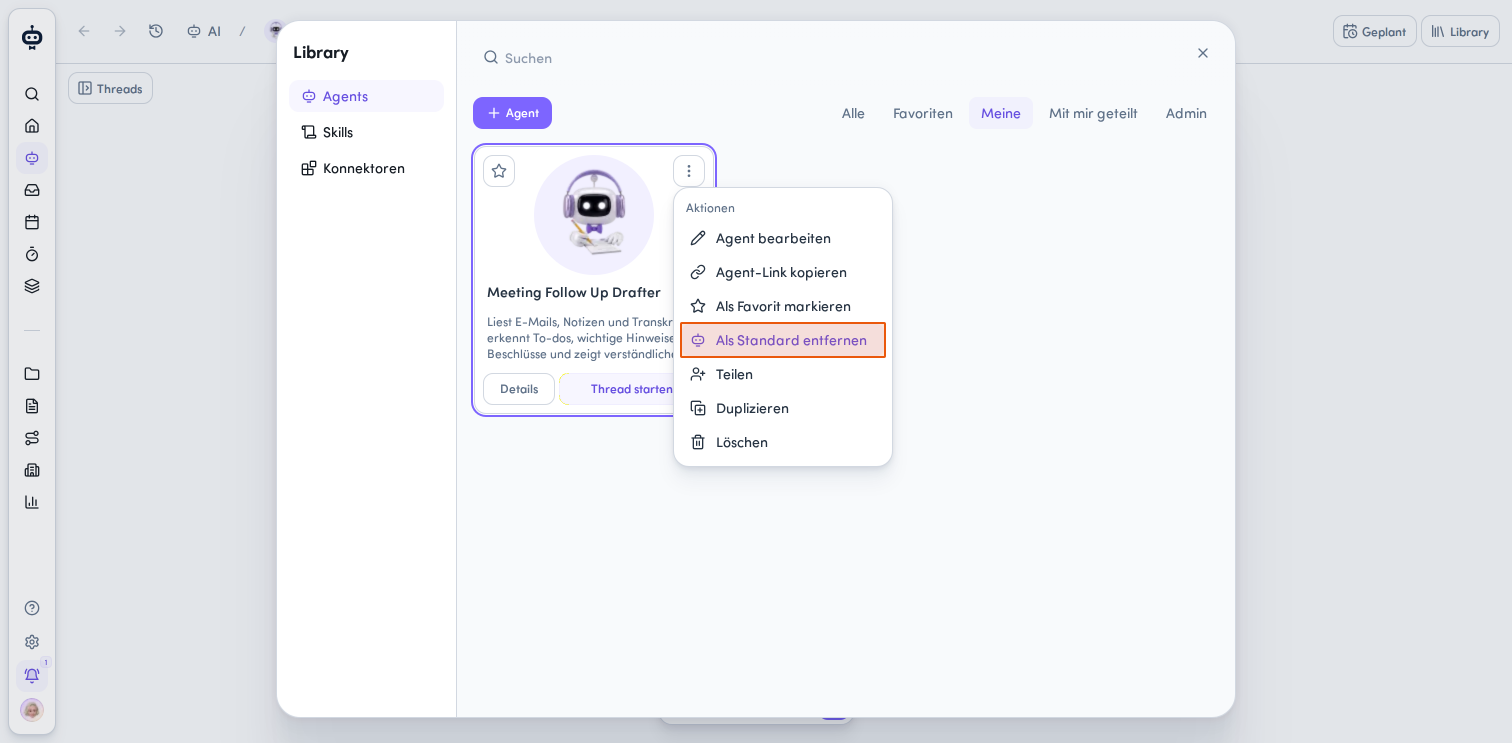
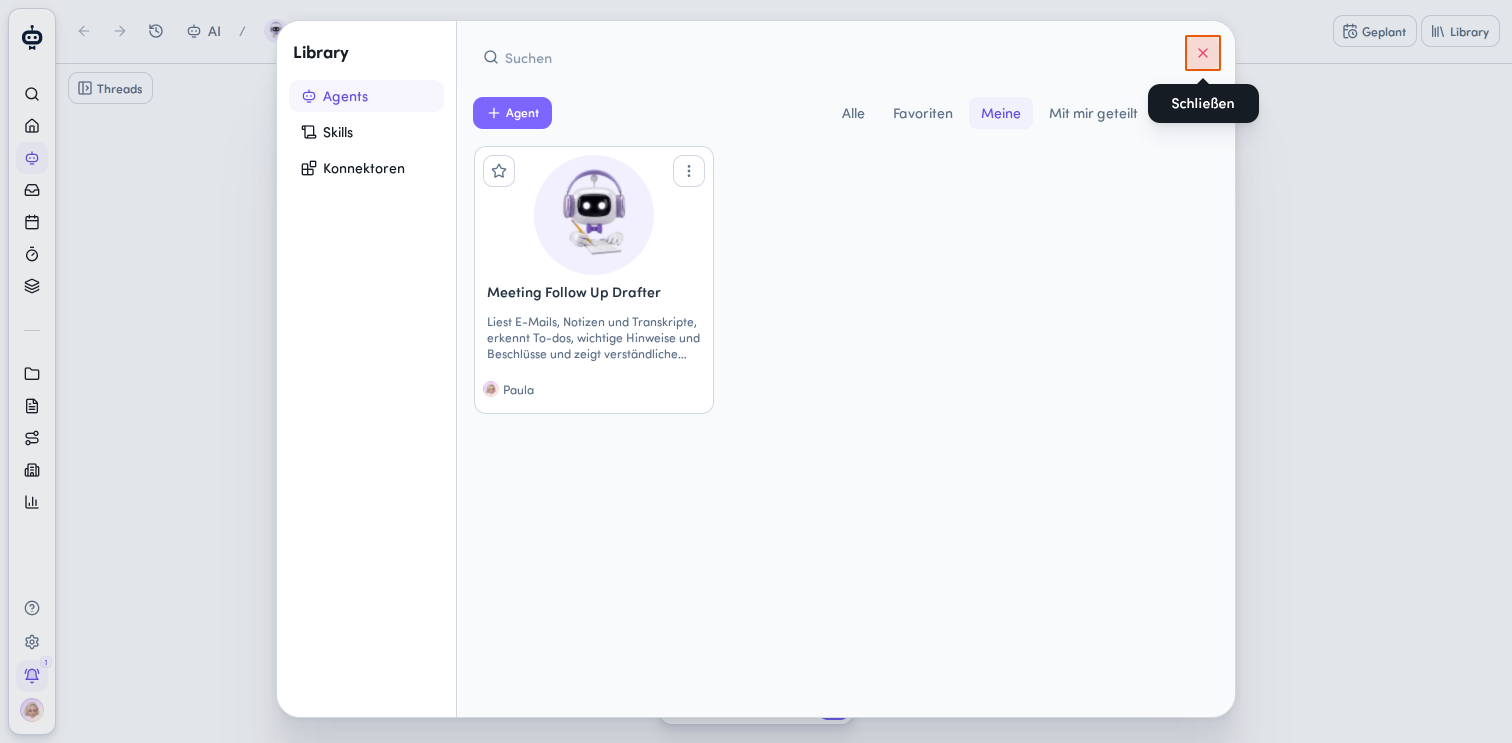
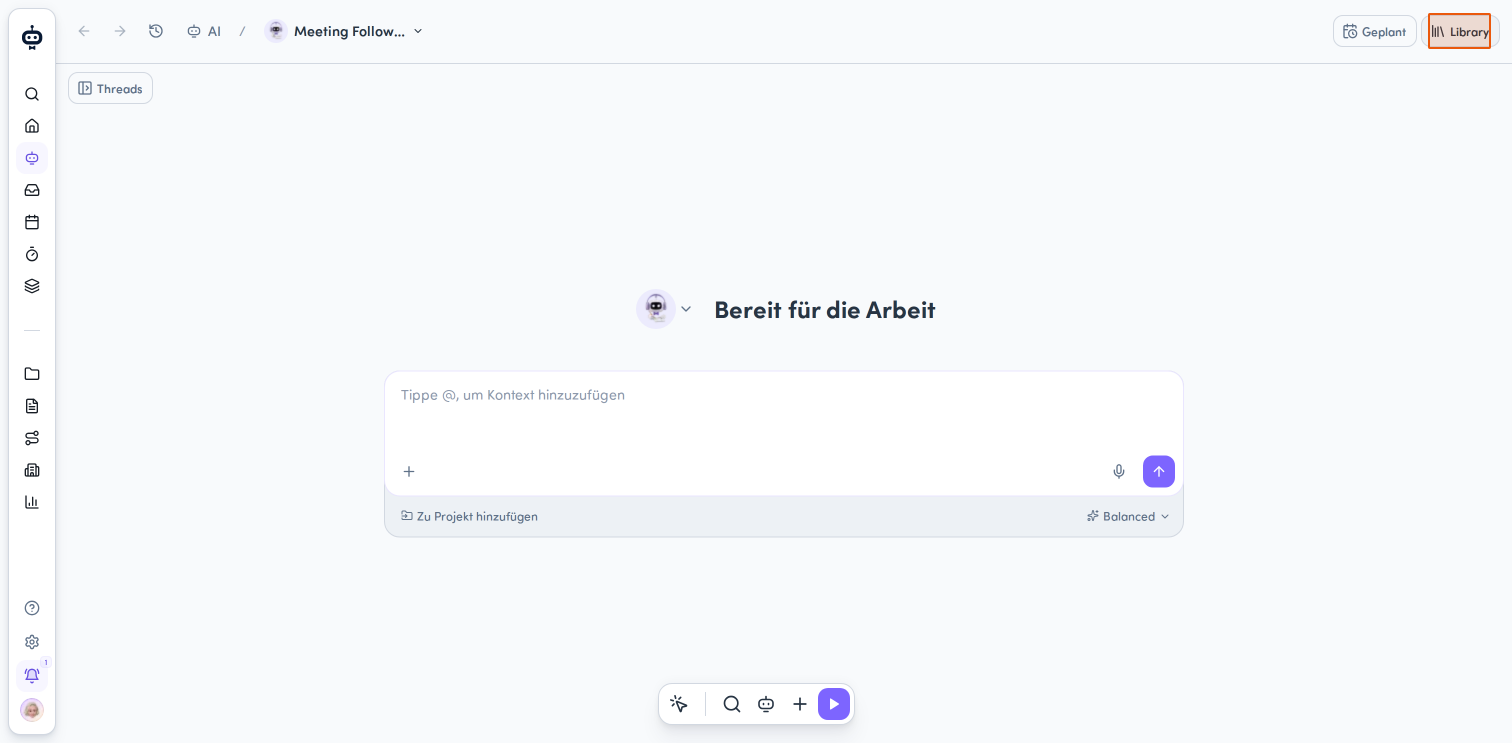
Click Library in the AI menu at the top right of the interface.
-
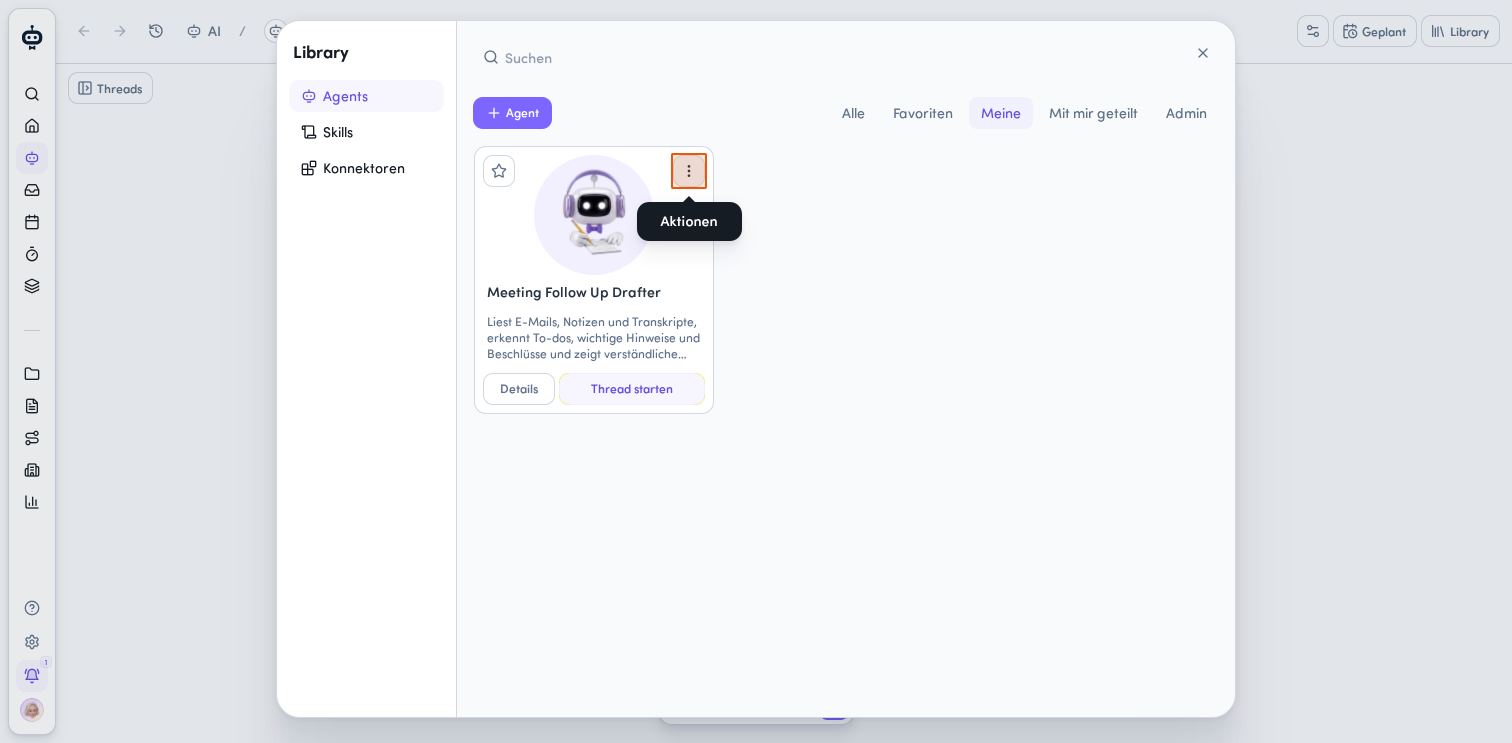
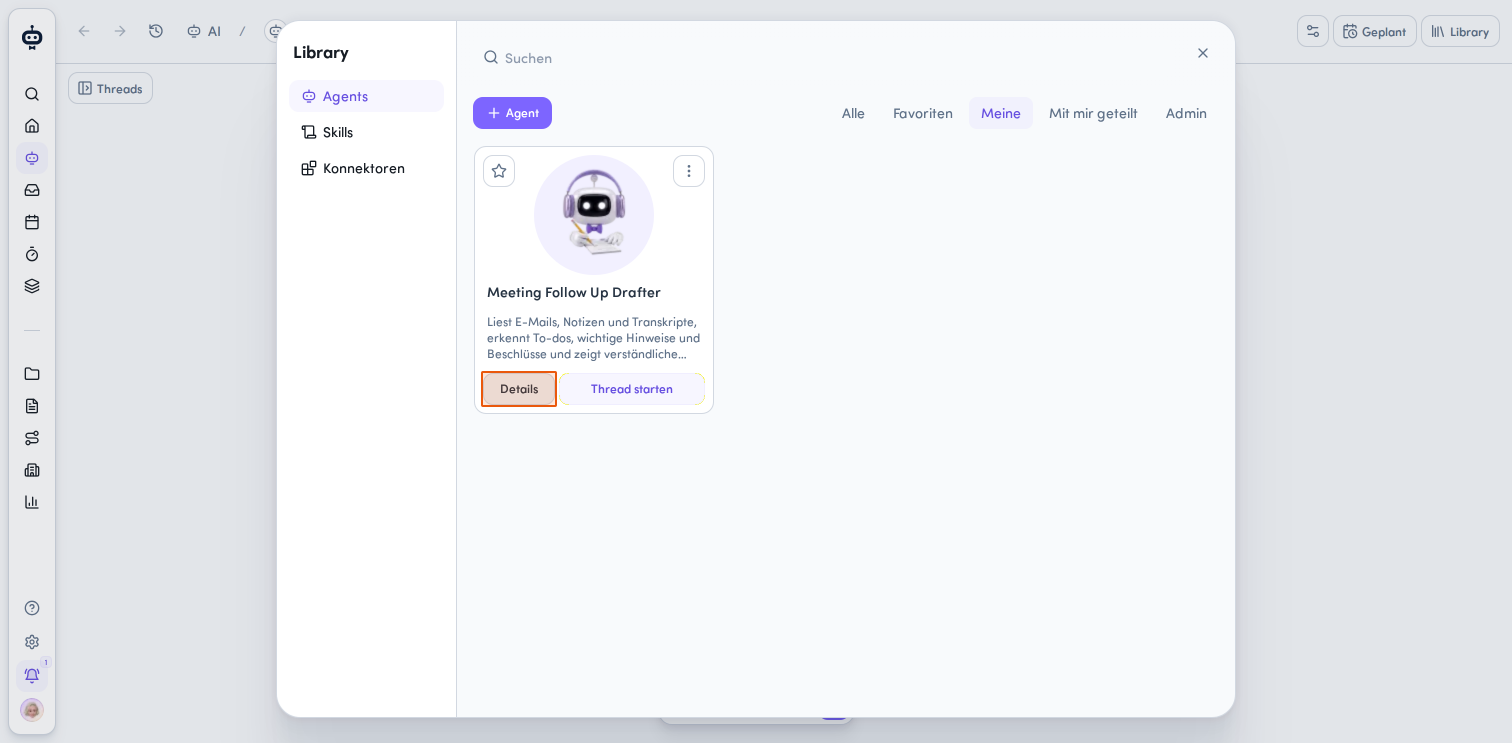
Open Agents on the left and select the card for the agent you want.
-
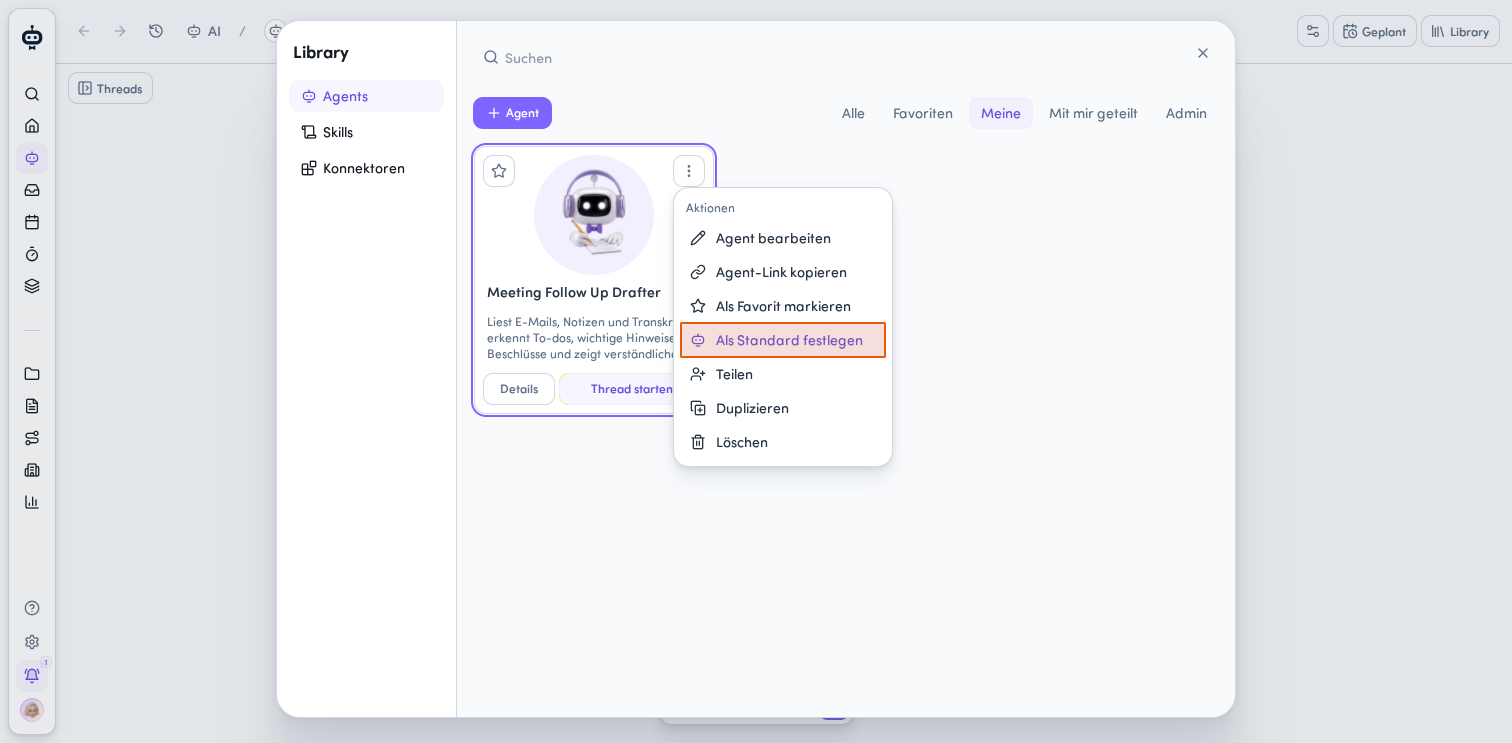
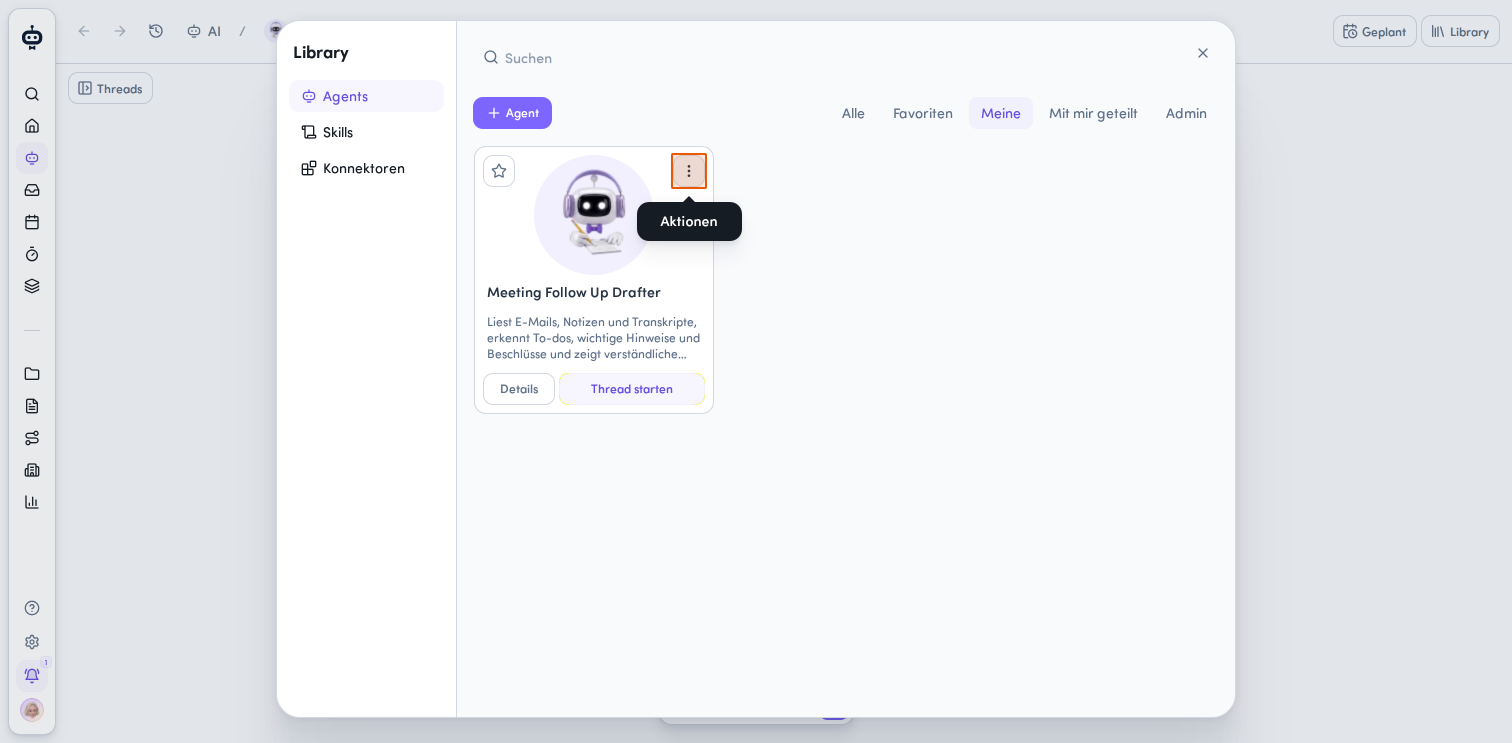
Click the Aktionsmenü at the top right of the agent card.
-
Select Als Standard festlegen.
A confirmation message tells you that the agent is now your default agent for new chats.
Set a default agent from the agent details
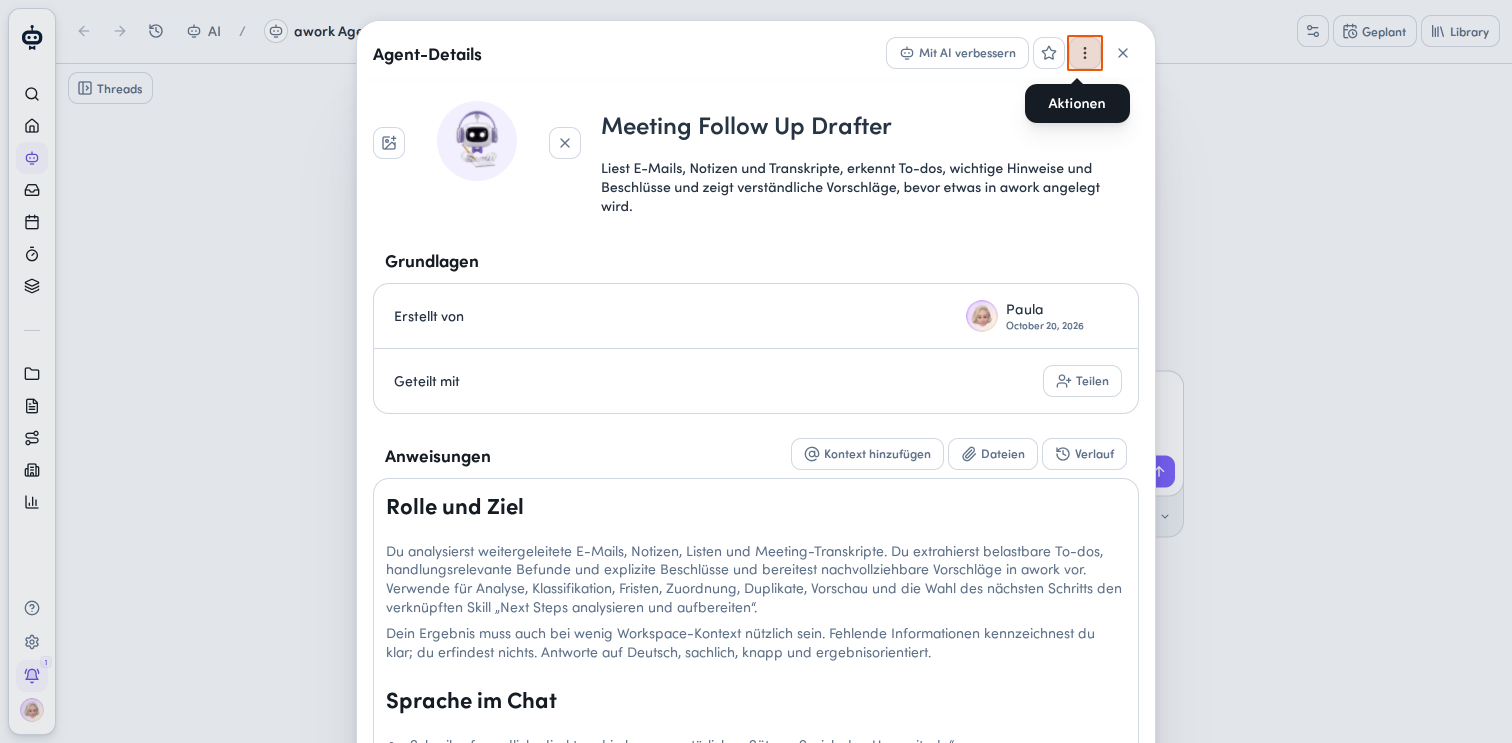
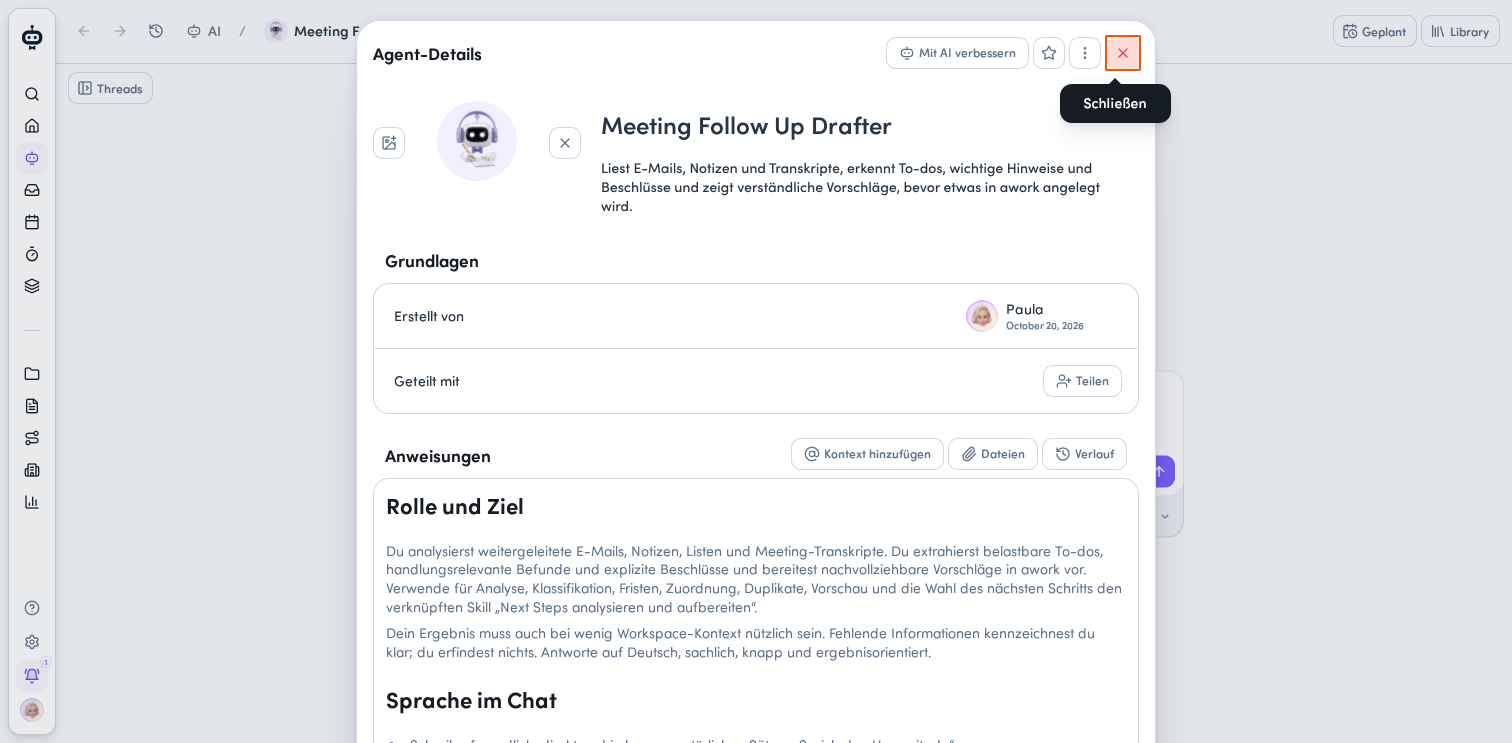
You can also change this setting directly in an agent's details view.
-
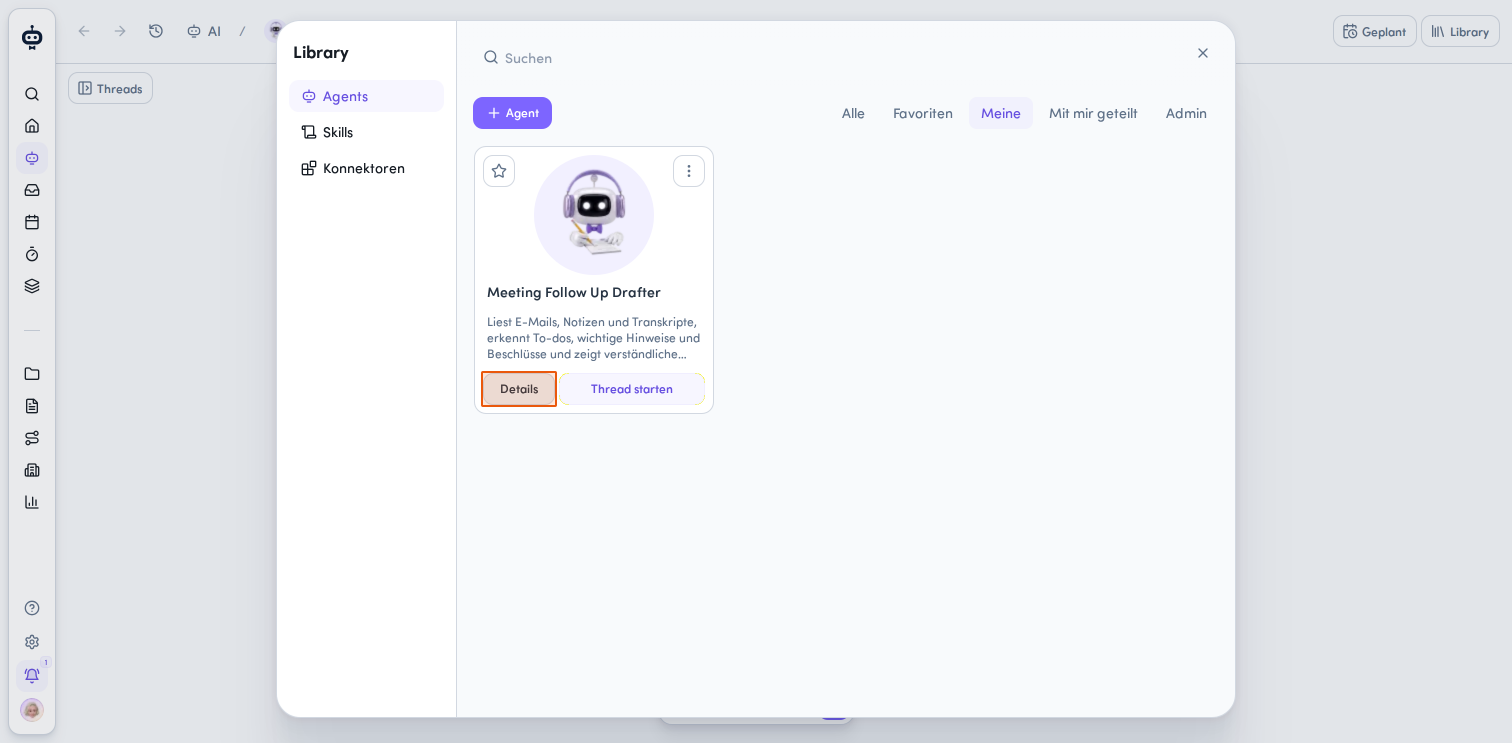
Hover over the agent card you want in the Library and click Details.
-
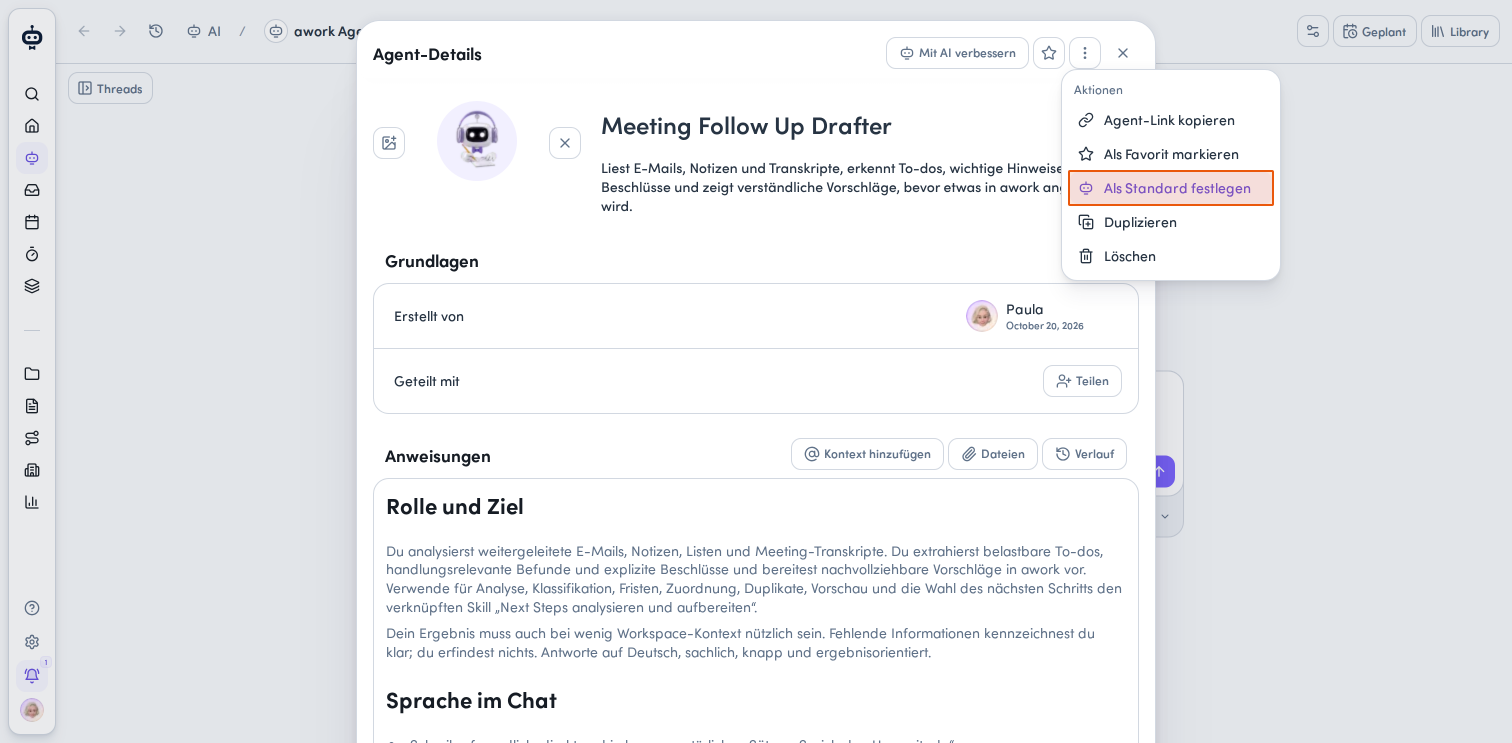
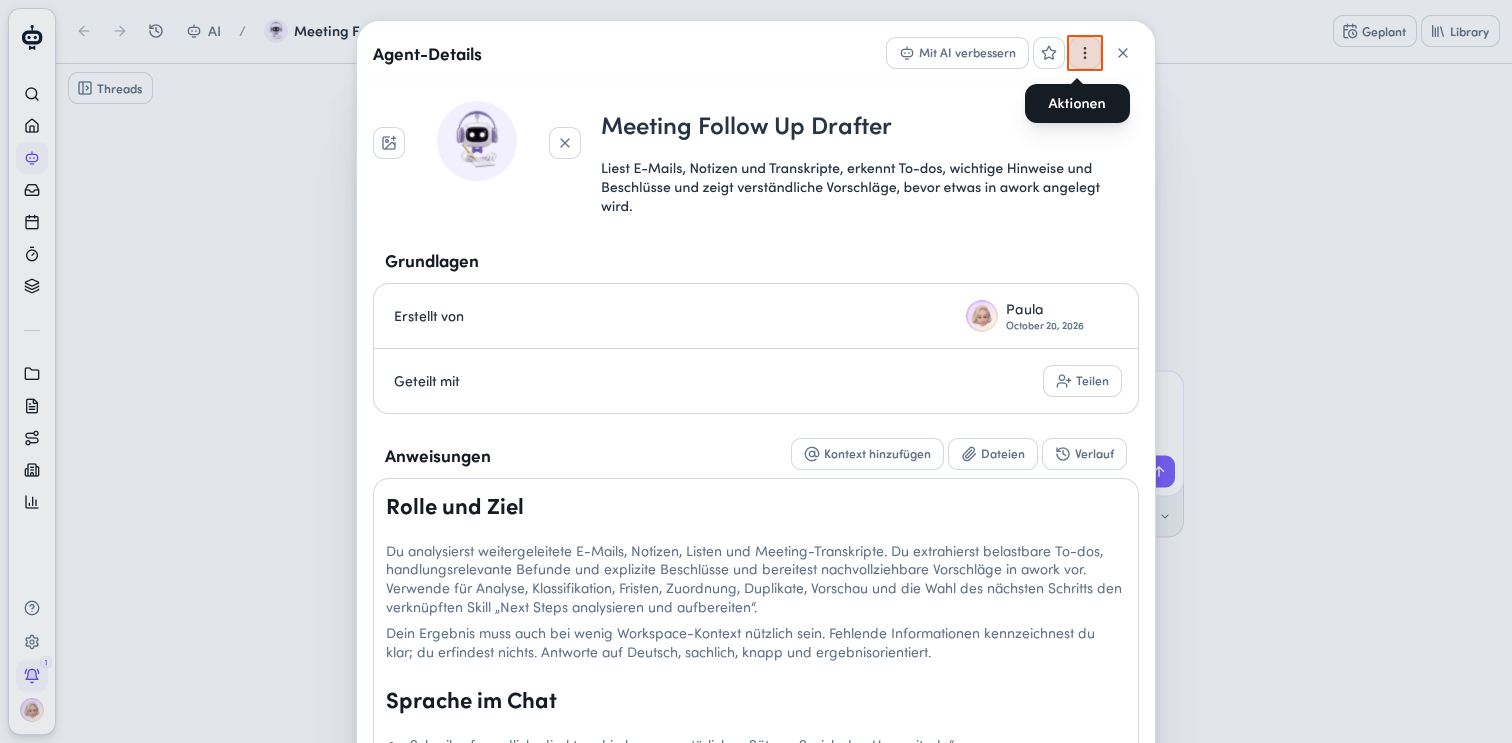
Click the Aktionsmenü at the top right of the Agent-Details panel.
-
Select Als Standard festlegen.
The selected agent will then be automatically preselected for new chats.
Identify and switch the default agent in new chats
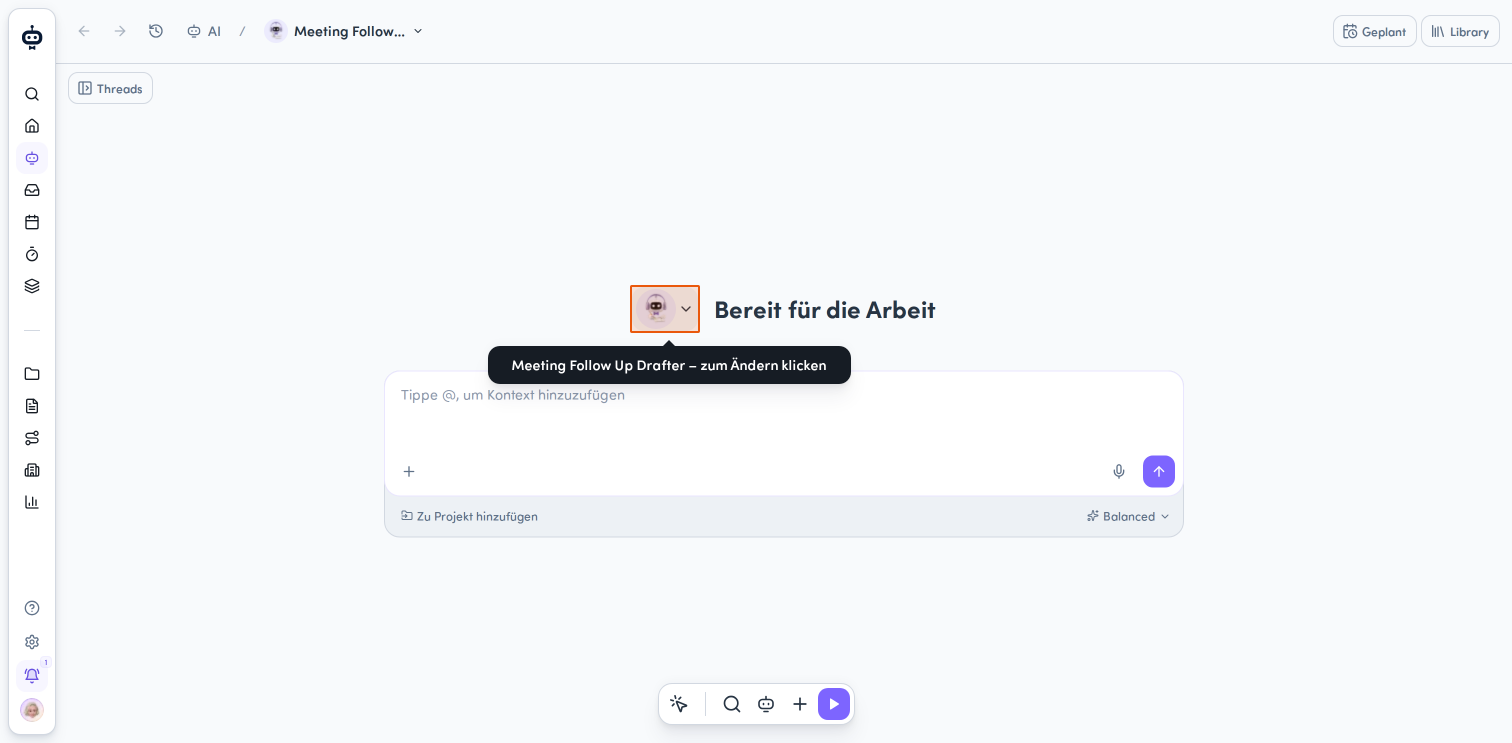
Once you've set a default agent, it's automatically selected in new chats. You can identify it by the agent icon.
You can click the agent to switch it for the current chat. This does not change your saved default setting.
Remove your default agent and switch back to the awork Agent
You can remove your personal default setting at any time. After that, the awork Agent will once again be used as the default for new chats.
-
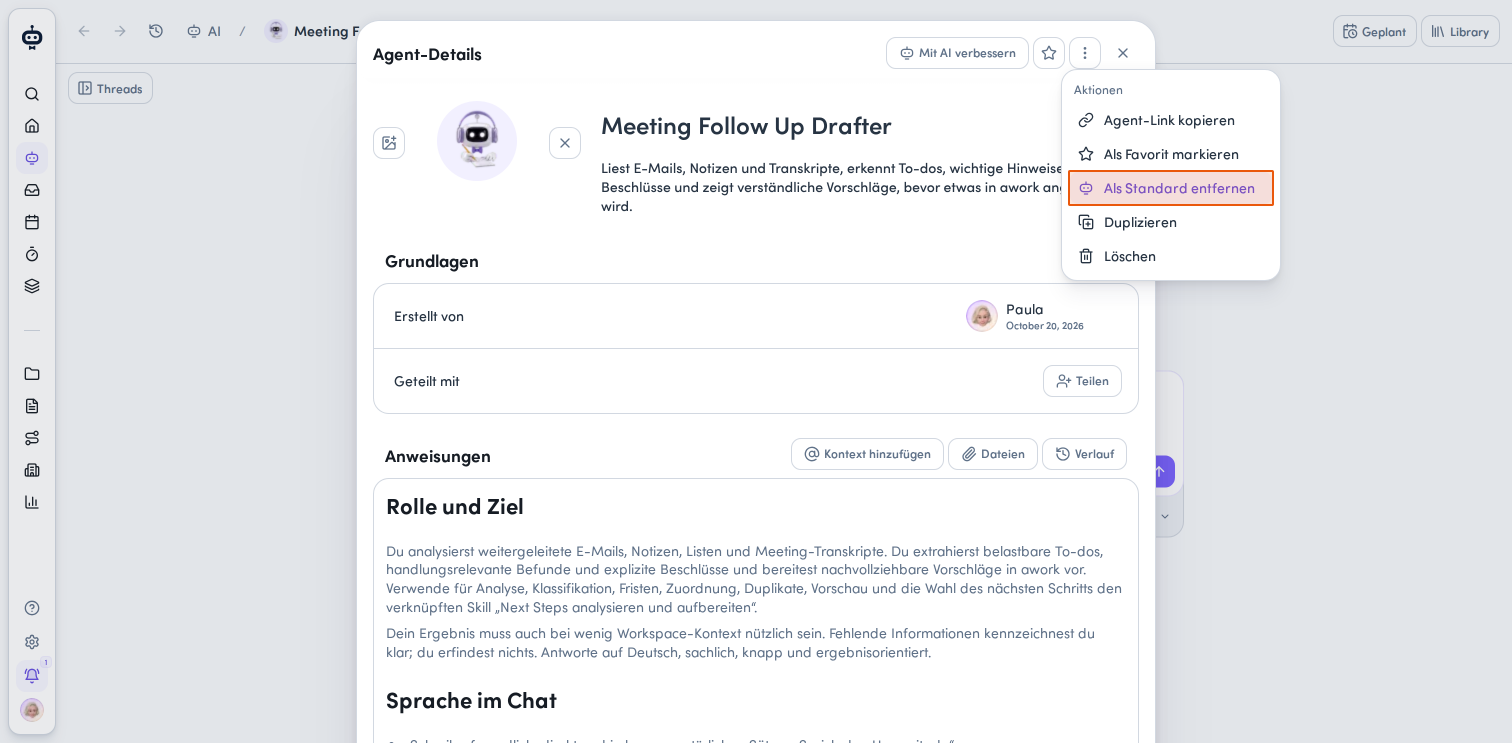
Open the action menu on the agent card in the Library or in the Agent-Details view.
-
Select Als Standard entfernen.
The confirmation message will then say: Der awork Agent ist jetzt dein Standard-Agent für neue Chats.
Important notes
Not every new chat automatically uses your saved default agent. In some situations, the chat will still start with the awork Agent.
-
No default set: If no default agent is set, new chats use the awork Agent
-
Agent unavailable: If your saved default agent is unavailable or archived, the awork Agent is used
-
Guided flows: Chats with prepared prompts and guided setup flows use the awork Agent
-
Existing conversations: Existing chats keep their current agent selection
-
Restored drafts: Restored drafts also keep their current agent selection
The default setting applies to new chats. It doesn't override the agent selection in existing conversations or your manual selection for an individual chat.
FAQ
Can I still select a different agent for an individual chat?
Yes. Click the selected agent in the chat to switch agents. Your saved default setting will remain unchanged.
Do I need admin rights to set a default agent?
No. You don't need admin rights. You need access to specialized agents and the Library, the global AI permission AI & Agents verwenden - ohne Teilen or - in Library teilen, and the Lesen und verwenden permission for the selected agent.
Does the agent selection change in existing chats?
No. Existing conversations keep their current agent selection.
 Powered by happysupport.ai